Recruiters and talent acquisition teams are under pressure to fill vacancies efficiently, manage recruitment costs and provide a better candidate experience. However, relying on spreadsheets, disconnected tools and external recruitment agencies can make it difficult to maintain control over the hiring process.
In 2027, these platforms are evolving beyond basic applicant tracking. AI-assisted recruitment, skills-based candidate matching, automated workflows and responsible AI governance are becoming important considerations for organisations building internal recruitment capabilities.
This guide explains what in-house recruitment software is, why businesses use it, which features matter, how it differs from agency-led recruitment and how to select and implement the right solution.
TL;DR
- In-House Recruitment Software helps internal HR and talent acquisition teams manage the complete hiring process.
- It centralises candidate information, recruitment workflows and hiring communication.
- Core features include applicant tracking, CV parsing, candidate sourcing, recruiting CRM, interview scheduling and analytics.
- AI-assisted screening, skills-based matching and recruitment automation are important areas to evaluate in 2027.
- The right solution depends on hiring volume, team structure, integrations, data protection and budget.
- Successful implementation requires clean data, user training and clearly defined recruitment processes.
- Measure performance through time to hire, cost per hire, quality of hire, recruiter productivity and agency spend.
What is In-House Recruitment Software?
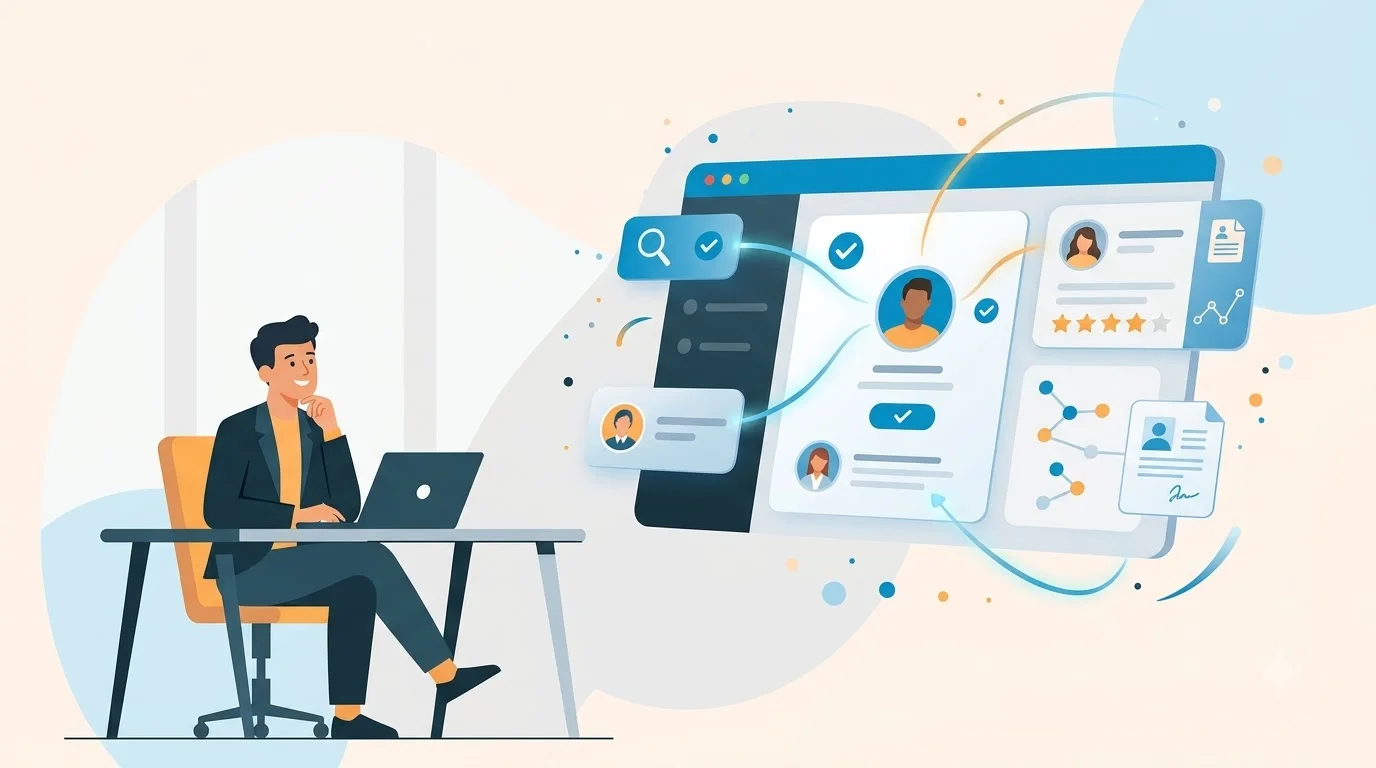
In-House Recruitment Software is a specialised system that lets internal talent teams manage recruitment without outsourcing core hiring activities. It combines an applicant tracking system, a recruiting CRM, interview coordination and reporting in one platform. Unlike generic HR systems, it focuses on sourcing, selection and candidate experience across the talent acquisition lifecycle.
Unlike a basic HR management system that may focus on employee records and administrative processes, recruitment software focuses on attracting, identifying, engaging and selecting candidates.
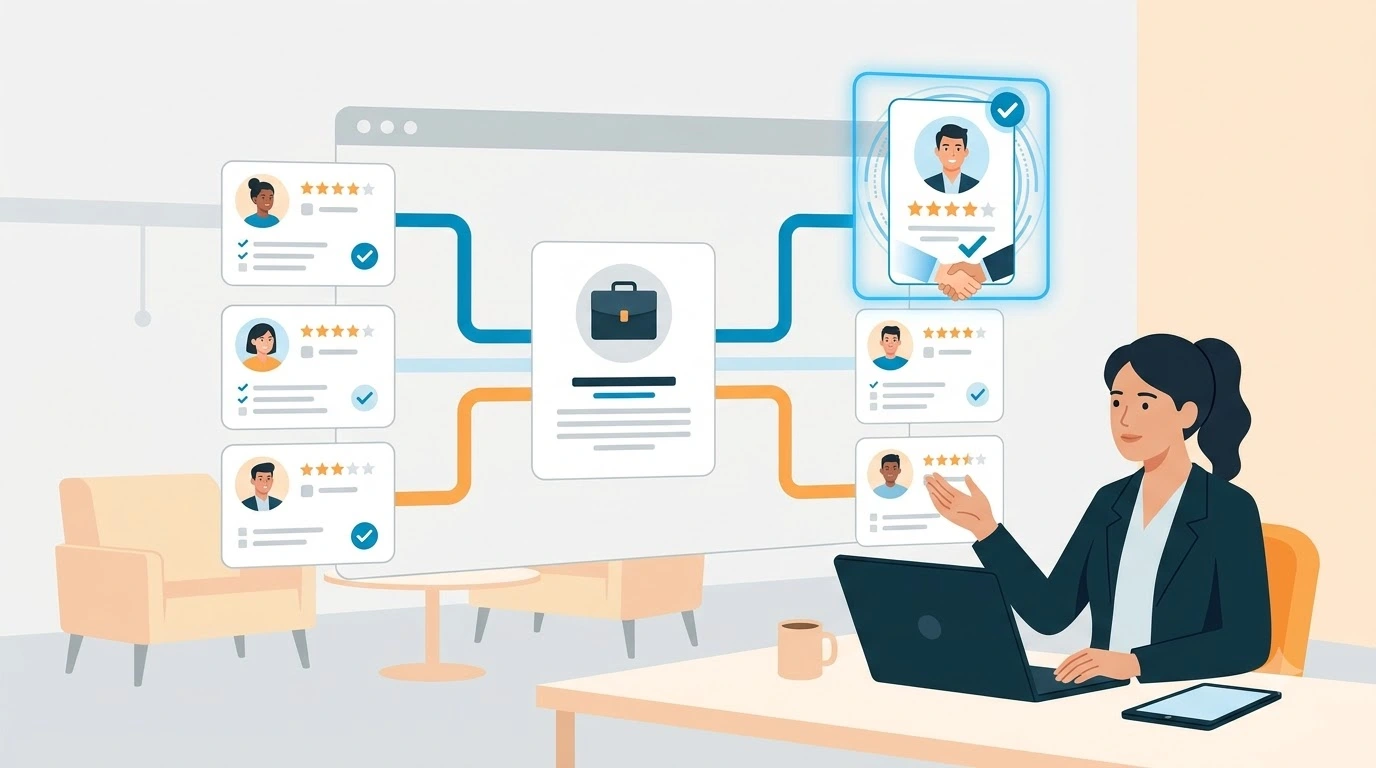
For example, when a company needs to hire a sales manager, its internal recruitment team can create a vacancy, publish the job, search existing candidate records, review applications, schedule interviews and collect hiring manager feedback through one system.
The software can also maintain a searchable candidate database, allowing recruiters to reconnect with suitable applicants when similar vacancies become available.
How Does In-House Recruitment Software Work?
In-house recruitment software supports different stages of the hiring process.
-
Create job vacancies: Recruiters create job requisitions, define requirements and obtain the necessary approvals.
-
Attract candidates: Vacancies are published through career pages, job boards and other sourcing channels.
-
Collect applications: Candidate information and CVs are stored in a central recruitment database.
-
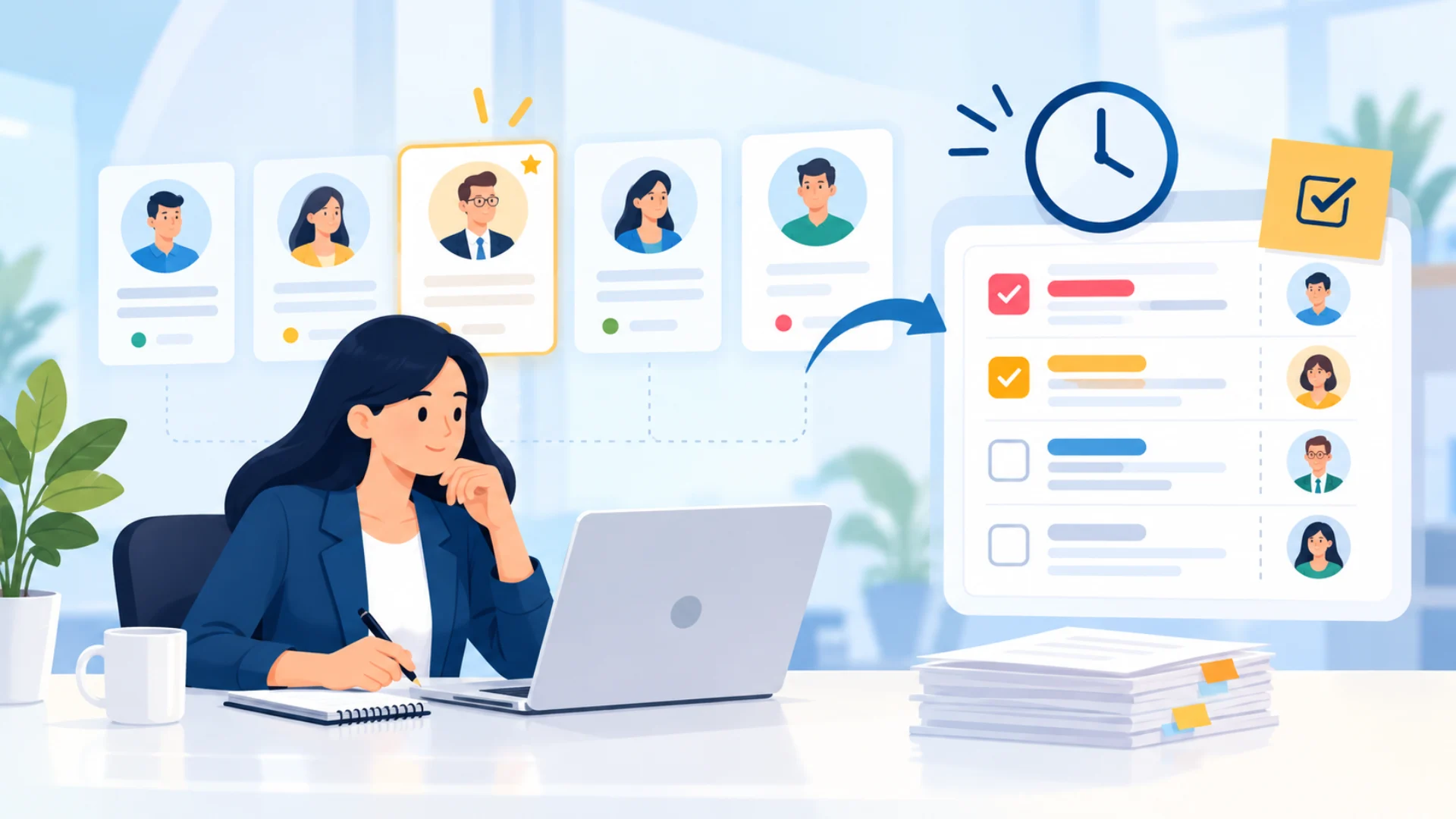
Screen and shortlist: Recruiters review applications, assess relevant experience and use available screening or matching tools.
-
Coordinate interviews: Interview schedules, feedback and candidate communication are managed through the system.
-
Manage offers: Recruitment teams coordinate offer-related activities and track candidate decisions.
-
Maintain talent pools: Candidate records can be organised for future vacancies and ongoing engagement.
-
Analyse performance: Reports help teams understand hiring activity, recruitment costs and pipeline performance.
The exact workflow depends on the software and the organisation's recruitment policies.
Why organisations adopt In-House Recruitment Software
There are clear drivers behind adoption. A widely cited industry study found that around 86 percent of organisations use an applicant tracking system in some form. That same trend applies to in-house solutions as teams prioritise data ownership and tighter workflows.
- Cost savings: Reducing agency and job board spend is often the main motive. Teams that source and screen effectively in-house can lower their cost per hire.
- Control and compliance: An in-house platform lets HR apply consistent selection criteria and manage data under regulations such as GDPR. You can check your readiness with the GDPR assessment.
- Data ownership: Some organisations want stricter control over where candidate data lives, including an on-premise option.
- Faster hiring: Automation and better candidate matching shorten time to fill.
- Employer brand and experience: One consistent candidate journey improves engagement and reduces drop-outs.
- Talent reuse: A well-kept talent pool means you can fill future roles without starting from zero.
Core Features to Expect in In-House Recruitment Software
The right software should support your organisation's hiring requirements rather than simply provide a long list of features.
The following capabilities are important when evaluating an in-house recruitment system.
1. Applicant Tracking System
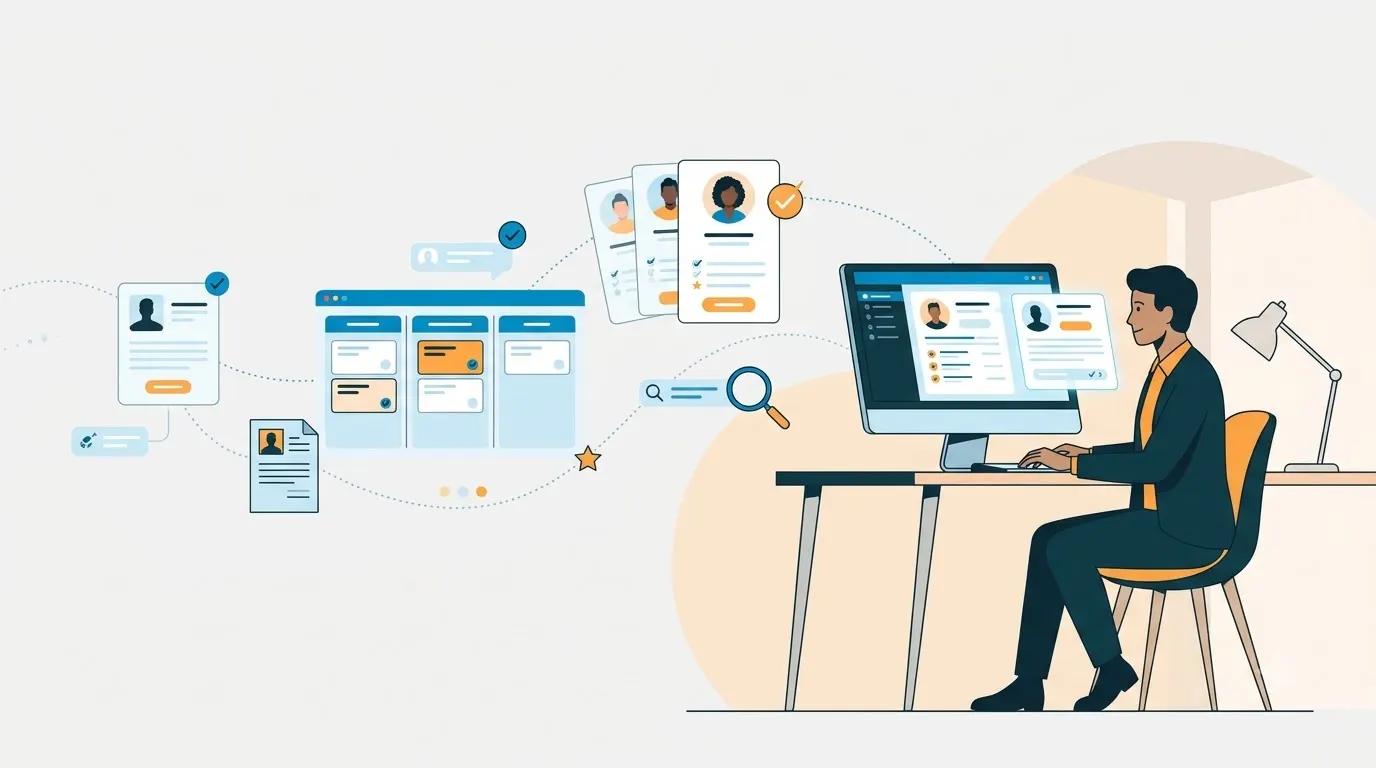
An applicant tracking system helps recruiters organise vacancies, applications and candidate records throughout the hiring process.
It allows recruitment teams to monitor applicants across different stages, maintain candidate histories and collaborate with hiring managers.
Look for features such as:
- Centralised job and candidate records.
- Customisable recruitment pipelines.
- Job requisition and approval workflows.
- Candidate status tracking.
- CV and resume parsing.
- Candidate search and filtering.
- Interview feedback management.
- Candidate activity history.
A configurable ATS helps internal teams establish consistent recruitment processes while allowing different departments to follow role-specific workflows.
2. CV Parsing and Candidate Screening
CV parsing extracts relevant information from candidate documents and converts it into searchable candidate records.
Depending on the system, extracted information may include work experience, education, skills, qualifications and contact details.
Screening tools help recruiters review applications against job requirements. AI-assisted screening and matching can provide additional support, but recruiters should review the underlying information before making hiring decisions.
3. Candidate Relationship Management
A recruiting CRM helps organisations manage relationships with candidates beyond individual job applications.
It allows recruiters to maintain talent pools, record previous interactions and engage suitable professionals for future vacancies.
Useful capabilities include:
- Candidate database management.
- Talent pool creation.
- Candidate segmentation.
- Communication history.
- Follow-up reminders.
- Email campaigns.
- Candidate rediscovery.
- Relationship tracking.
These capabilities are particularly useful for organisations with recurring recruitment requirements and teams that need to build long-term talent pipelines.
4. Interview Scheduling and Management
Coordinating interviews between candidates, recruiters and hiring managers can create delays when handled manually.
Interview management features help teams organise schedules, send invitations and collect feedback.
Look for:
- Calendar integrations.
- Automated interview invitations.
- Interview reminders.
- Panel interview coordination.
- Interview feedback forms.
- Structured scorecards.
- Video meeting integrations.
Structured interview processes also help organisations evaluate candidates against consistent, job-related criteria.
5. Recruitment Reporting and Analytics
Recruitment analytics help talent acquisition leaders understand how their internal hiring processes are performing.
Useful reports may cover:
- Time-to-fill and time-to-hire.
- Cost-per-hire.
- Recruitment source effectiveness.
- Candidate pipeline conversion.
- Offer acceptance rates.
- Recruiter productivity.
- Vacancy status.
- Hiring manager feedback.
The system should allow authorised users to filter reports by department, location, recruiter, vacancy and recruitment source.
6. Job Board and HR System Integrations
Recruitment teams often use multiple tools to manage hiring activities.
Integrations can connect recruitment software with:
- Job boards and career websites.
- HRIS and HRMS systems.
- Email and calendar applications.
- Background verification providers.
- Assessment platforms.
- Video conferencing tools.
- Payroll and onboarding systems.
Before selecting a platform, confirm which integrations are available, whether an API is provided and how information moves between connected systems.
7. Recruitment Automation
Recruitment automation reduces the need for recruiters to perform repetitive administrative activities manually.
Depending on the software, automated workflows may support:
- Application confirmation emails.
- Candidate status updates.
- Interview reminders.
- Recruiter task assignments.
- Candidate follow-ups.
- Job approval notifications.
- Offer document generation.
- Workflow-based actions.
Automation should follow the organisation's recruitment policies and allow human review where decisions require recruiter judgement.
What Is New in In-House Recruitment Software for 2027?
In-house recruitment technology is evolving from basic application tracking towards more connected, AI-assisted hiring workflows.
The following developments are worth considering when selecting a recruitment platform in 2027.
1. AI agents that handle routine steps
Agent-style tools can screen, shortlist, draft outreach and schedule interviews, while recruiters approve the important decisions. This lets a smaller in-house team do more.
2. Smarter matching and skills-based hiring
Matching now looks at skills and context, not just keywords and job titles. AI matching helps in-house teams rediscover strong candidates already sitting in their database. This also helps with the job-ready gap, where candidates look qualified on paper but lack practical readiness.
3. Fraud and fake candidate detection
AI-written resumes and fake identities are a growing risk, and an in-house team carries that risk directly.
4. Conversational candidate engagement
Chat assistants can answer questions, pre-screen candidates and book interviews at any hour. Learn more about conversational AI.
5. Recruiting inside your AI assistants
Connector standards let recruiters search and compare candidates from inside general AI assistants. iSmartRecruit's MCP Connector is one example.
6. Compliance and governance
Rules on automated hiring decisions are expanding. New York City's Local Law 144 already covers automated employment decision tools, and the EU AI Act treats many recruitment uses of AI as high-risk. Deadlines may change, so confirm the position for each region you hire in. Expect to need audit logs, bias testing, consent management and human oversight.
7. Internal mobility and global teams
In-house teams increasingly fill roles from within and hire across borders.
In-house vs agency vs hybrid models
Organisations can manage recruitment through internal teams, external recruitment agencies or a combination of both.
The right model depends on hiring volume, internal expertise, recruitment budgets and the availability of suitable candidates in the market.
| Comparison Factor | In-House Recruitment | Agency-Led Recruitment | Hybrid Recruitment |
| Process control | Internal team manages the process | Agency manages agreed activities | Shared between internal team and agencies |
| Candidate data | Managed through internal systems | Depends on agency agreements and processes | Shared according to agreed permissions |
| Cost structure | Software, salaries and internal recruitment costs | Agency fees and agreed service charges | Internal costs plus selected agency fees |
| Specialist hiring | Depends on internal sourcing expertise | Access to external specialist networks | Internal team supported by specialist agencies |
| Candidate experience | Can be managed consistently internally | Depends on agency and employer coordination | Requires coordination between both parties |
| Best suited for | Organisations with regular hiring needs | Occasional or highly specialised recruitment | Organisations with mixed hiring requirements |
Which Recruitment Model Should You Choose?
In-house recruitment may suit organisations with regular hiring needs, an established HR team and a desire to develop internal sourcing and talent management capabilities.
Agency-led recruitment may be useful when an organisation needs access to specialist networks, external market knowledge or additional sourcing capacity for particular vacancies.
Hybrid recruitment can work well when internal teams manage recurring vacancies while agencies support hard-to-fill, urgent or specialised positions.
An in-house model does not mean that an organisation must stop working with agencies. The objective is to use internal resources and external support where each provides the greatest value.
Practical Examples of In-House Recruitment Software
The following examples illustrate how an internal recruitment team may use software to improve its hiring process. They are hypothetical scenarios, not measured customer results.
Example 1: A Technology Company Hiring Multiple Specialists
A technology company regularly recruits software developers, project managers and technical support professionals.
Previously, recruiters managed candidate information through separate spreadsheets and email conversations. This made it difficult to identify previous applicants and track candidate progress.
After introducing an in-house recruitment system, the team centralised candidate records, created role-specific talent pools and standardised interview workflows.
When a new technical vacancy opened, recruiters could search existing candidate records before beginning external sourcing.
Example 2: A Retail Business Managing High-Volume Recruitment
A retail organisation needs to hire employees for multiple store locations throughout the year.
Its recruitment team receives applications from several channels and needs to coordinate interviews with different store managers.
Using recruitment software, the team can manage vacancies by location, organise applications, automate candidate notifications and monitor interview progress.
Recruiters can also identify locations where application volumes are low and adjust sourcing activities accordingly.
For further guidance, explore how to prioritise tasks in high-volume hiring.
Example 3: A Growing Organisation Reducing Manual Communication
A growing organisation receives a high number of applications but struggles to keep candidates updated.
Recruiters spend time sending confirmation emails, interview reminders and application status updates.
With automated communication workflows, the team can send routine notifications and maintain a central record of candidate interactions.
Recruiters can then focus more time on personalised conversations, candidate evaluation and hiring manager coordination.
Communication quality also depends on email deliverability. Read why recruiter emails miss inboxes and how to fix it.
Key insight: In-house recruitment software creates value when it improves the entire recruitment process, not just when it automates individual tasks. Clear workflows, accurate candidate data and consistent team adoption are essential.
Choosing the right In-House Recruitment Software
Use this checklist when evaluating platforms:
- Scalability: Can it support current volume and future growth?
- Integration: Does it connect to your HRIS, calendar, email and assessment tools?
- Configurability: Can workflows, approvals and job templates be customised without code?
- Candidate experience: Is the application process mobile-friendly and transparent?
- AI transparency: Are scores explained, and can recruiters override them?
- Data privacy and hosting: Does the vendor meet GDPR and local requirements, and offer the data residency you need?
- Reporting: Are dashboards actionable and exportable for leadership?
- Migration: How will your existing data move across?
- Pricing: Does cost scale sensibly?
- Vendor support: What training, onboarding and ongoing help is included?
For a wider view of the market, the AI talent acquisition software guide is a useful starting point.
In-House Recruitment Software Implementation Best Practices
Implementing recruitment software successfully requires process planning, accurate data and team involvement.
The following steps can help organisations introduce a new system more effectively.
1. Map and Improve Existing Recruitment Processes
Document how recruitment currently works, from job approval to candidate selection.
Identify unnecessary steps, communication gaps and repetitive activities.
Decide which processes should be retained, improved or removed before configuring the software.
2. Define User Roles and Permissions
Recruiters, hiring managers, HR leaders and administrators may require different levels of system access.
Define responsibilities and permissions before implementation to help protect candidate information and maintain clear accountability.
3. Clean and Migrate Recruitment Data
Review existing candidate records, job information and recruitment documents.
Remove unnecessary duplicates, standardise important fields and confirm which records need to be migrated.
Agree on data ownership and retention requirements before transferring information.
4. Start With a Pilot Implementation
Introduce the system to one department, recruitment team or role category first.
A pilot helps identify workflow issues, integration problems and training requirements before the system is rolled out across the organisation.
Collect feedback and make adjustments based on actual user experience.
5. Provide Role-Based Training
Recruiters and hiring managers may use different system features.
Provide practical training based on their responsibilities. Use short guides, demonstrations and hands-on sessions to help users understand everyday workflows.
6. Establish AI Usage Guidelines
If the platform includes AI tools or agents, define which tasks can be automated and which require human approval.
Document how recruiters should review recommendations, handle candidate information and report unexpected results.
7. Monitor Adoption and Improve Workflows
Review system usage after launch.
Track whether recruiters are using the intended workflows, identify areas where manual work continues and collect feedback from hiring managers.
Use this information to improve configuration and training over time.
How Long Does Implementation Take?
Implementation timelines vary depending on the organisation's size, data quality, integration requirements, workflow complexity and training needs.
A relatively straightforward setup may take several weeks, while larger implementations involving multiple departments and complex integrations can take longer.
Ask the vendor for a project plan with clear milestones, responsibilities, testing stages and training activities rather than relying on a general implementation estimate.
Measuring the ROI of In-House Recruitment Software
Organisations should evaluate recruitment software using measurable operational and business outcomes.
Before implementation, establish baseline figures for hiring costs, vacancy timelines, recruiter workload and candidate pipeline performance.
After implementation, compare these figures over an appropriate period while accounting for changes in hiring volume, role complexity and recruitment conditions.
Key Recruitment Metrics to Track
| Metric | What It Measures |
| Time-to-Fill | Number of days between opening a requisition and filling the position |
| Time-to-Hire | Time taken for a candidate to move through the hiring process, based on a consistent definition |
| Cost-per-Hire | Total recruitment costs divided by the number of hires |
| Agency Spend | Amount paid to external recruitment agencies |
| Quality of Hire | Hiring outcomes measured through agreed performance, retention or manager feedback indicators |
| Source Effectiveness | Which recruitment channels generate suitable candidates |
| Offer Acceptance Rate | Percentage of job offers accepted by candidates |
| Recruiter Productivity | Recruitment activity and workload managed by internal recruiters |
| Hiring Manager Satisfaction | Feedback on recruitment support, candidate quality and process efficiency |
A Simple ROI Formula
Use the following formula to estimate the financial return:
ROI = (recruiter hours saved × loaded hourly cost) + agency fees avoided + (vacancy days cut × daily cost of an open role) − annual software cost.
Financial benefits may include:
- Recruiter hours saved multiplied by the relevant hourly employment cost.
- Agency fees avoided through successful internal hiring.
- Reduced recruitment administration costs.
- Measurable savings associated with shorter vacancy periods, where a reliable daily vacancy cost is available.
Total investment should include software subscriptions, implementation, data migration, training, integrations and ongoing support.
For example, if an organisation saves recruiter time and reduces agency spending, those benefits can be compared against the total annual cost of the software.
Do not assume that every organisation will achieve a positive return within a fixed period. The result depends on hiring volume, existing agency expenditure, software costs and how effectively the system is adopted.
Common pitfalls and how to avoid them
- Over-automation: Automate repetitive tasks but keep human judgement in selection decisions.
- Poor data hygiene: Duplicate or inconsistent records weaken search and reporting.
- Underestimating change management: Secure executive sponsorship and communicate benefits early.
- Missing integrations: Without payroll or HRIS links you will create manual workarounds.
- Blind trust in AI: Treat scores and summaries as recommendations.
- Ignoring fraud risk: A strong profile is not always a real one.
- Forgetting candidate experience: Keep messages personal and add human follow-up at key stages.
When Should an Organisation Not Choose In-House Recruitment Software?
An in-house recruitment system is not necessarily the right investment for every organisation.
A small business with only a few occasional vacancies may not need a comprehensive recruitment platform. A lightweight ATS or a simpler hiring process may be sufficient.
Organisations that recruit for highly specialised or infrequent positions may also benefit from working with niche recruitment agencies rather than building extensive internal sourcing capabilities.
Before investing, consider:
- How many vacancies do you typically manage?
- How frequently do you recruit?
- Does your organisation have internal recruitment expertise?
- How much do you currently spend on external recruitment?
- Do you need a centralised candidate database?
- Will the expected operational benefits justify the total cost?
An organisation can also adopt a hybrid model, using an internal system for regular hiring while engaging external agencies for selected roles.
Future of In-House Recruitment Software Beyond 2027
Recruitment technology is likely to become more connected with workforce planning, internal mobility and broader HR operations.
AI agents may support more multi-step recruitment activities, while skills-based matching may help organisations identify candidates through transferable capabilities rather than job titles alone.
Recruitment systems are also likely to place greater emphasis on AI transparency, data governance and secure connections with external applications.
For internal talent teams, the long-term opportunity is to use recruitment data and technology to build stronger talent pipelines, support better workforce decisions and improve the candidate experience.
Organisations should prioritise platforms that evolve with changing recruitment needs, offer reliable integrations and provide clear controls over candidate data and automated processes.
Conclusion
In-House Recruitment Software helps organisations manage hiring internally through a centralised recruitment system. It brings together applicant tracking, candidate sourcing, recruiting CRM, interview management, automation and analytics to support the entire recruitment process.
In 2027, AI agents, skills-based candidate matching, conversational AI and recruitment governance are becoming important considerations when evaluating recruitment technology. However, the right solution still depends on hiring volume, internal capabilities, integration requirements, data protection and budget.
Before choosing a platform, assess your recruitment processes, compare essential features, review total costs and test the system through a product demonstration or pilot.
A successful in-house recruitment strategy is not simply about replacing external agencies. It is about giving internal talent teams the tools, data and processes they need to manage candidates effectively, make informed hiring decisions and build stronger talent pipelines.
FAQs - Frequently Asked Questions
1. What is the main purpose of In-House Recruitment Software?
The main purpose of in-house recruitment software is to help an organisation manage its hiring activities internally. It centralises candidate records, tracks applications, supports sourcing, coordinates interviews and automates repetitive recruitment tasks.
2. How is in-house recruitment software different from an ATS?
An ATS primarily manages job applications and tracks candidates through recruitment stages. In-house recruitment software can include ATS functionality along with broader capabilities such as candidate sourcing, recruiting CRM, interview management, automation and recruitment analytics.
3. Can small businesses benefit from in-house recruitment software?
Yes. Small businesses can use recruitment software to organise applications, manage vacancies and reduce manual administrative work. They should choose a solution that matches their hiring volume, team size, budget and integration requirements.
4. How long does it take to implement in-house recruitment software?
Implementation can take several weeks or longer, depending on data migration, integrations, workflow complexity, configuration and training. A pilot rollout can help identify issues before introducing the system across the organisation.
5. Does in-house recruitment software eliminate the need for recruitment agencies?
No. It can reduce dependence on agencies for recurring vacancies by improving internal sourcing and candidate management. Agencies may still be useful for specialised, urgent or hard-to-fill positions.
6. How does AI improve in-house recruitment?
AI can assist with CV analysis, candidate matching, recruitment research, job description creation, candidate communication and workflow support. Recruiters should review AI-generated recommendations and maintain appropriate human oversight of hiring decisions.
7. What should organisations consider when choosing in-house recruitment software?
Organisations should evaluate ATS and CRM capabilities, workflow automation, integrations, scalability, candidate experience, AI transparency, data protection, pricing and vendor support. A product demonstration can help confirm whether the system fits existing recruitment processes.
About the Author