

TL;DR
Staffing software centralises candidate sourcing, applicant tracking, scheduling and compliance to help HR teams and staffing agencies reduce time to hire, cut costs and improve candidate experience. This guide outlines essential features, measurable benefits, selection criteria and implementation tips so talent teams can choose and deploy the right staffing software for their needs.
- Hiring at scale and managing contingent workforces quickly becomes complex and time-intensive.
- Staffing teams must balance candidate pipelines, multiple clients, shift scheduling, compliance, and payroll.
- Modern staffing software helps streamline operations by automating sourcing, applicant tracking, onboarding, and workforce management.
- Built-in analytics provide data insights to support smarter, faster hiring decisions.
- This guide breaks down the most important features and benefits for HR and staffing teams.
- You’ll also get a step-by-step framework to help you choose and implement a solution that aligns with your operations and budget.
What Do We Mean By Staffing Software?
Staffing software is a category of recruitment technology designed specifically for high-volume hiring, temporary placements and agency workflows. It often includes applicant tracking, candidate relationship management, rostering and integrations with payroll and background check providers.
Why Staffing Software Matters For HR Teams
Teams that adopt staffing software benefit from improved speed, accuracy and candidate retention. For example, a mid-sized staffing agency I worked with cut average fill time by nearly half after implementing a platform that automated candidate matching and interview scheduling. The team also reduced administrative bottlenecks by integrating the system with payroll.
Operationally, staffing software helps standardise processes across consultants, reduce errors in placements and create a single source of truth for compliance records. That combination reduces risk and improves client satisfaction.
A Quick Look At The Numbers
Organisations using dedicated recruitment automation and applicant tracking tools often report significant gains in time to hire and recruiter productivity. Many teams cite up to 40﹪ faster time to hire and measurable reductions in cost per placement. Industry reports show that effective applicant tracking or staffing software can reduce the hiring cycle by up to 60%, making it one of the most impactful investments for high-volume recruitment teams.
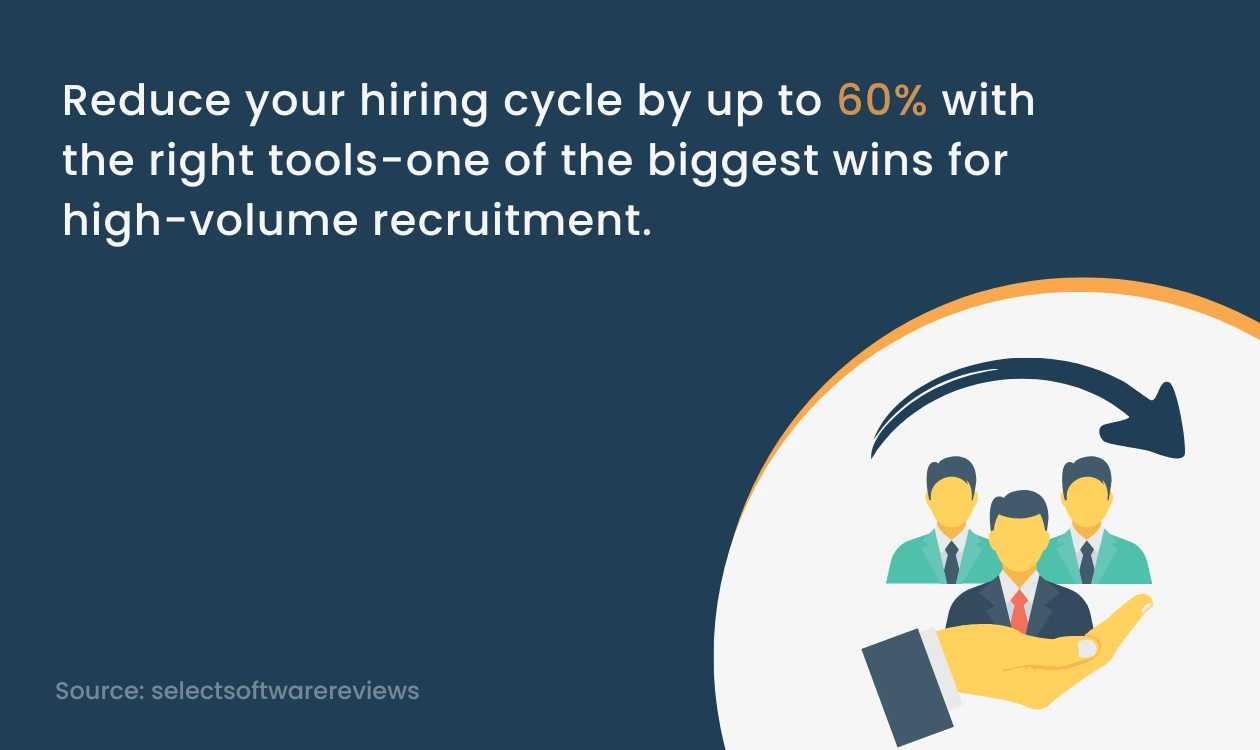
Those figures vary by sector and process maturity, but they highlight the potential upside when teams adopt the right staffing software.
Core Features Every Staffing Software Should Include
Whether you are a recruitment agency or an internal HR function, look for these features when evaluating staffing software.
1. Applicant Tracking And Pipeline Management
A robust applicant tracking system (ATS) manages job postings, candidate applications and status updates. For staffing teams, the ATS must support multiple clients, reopenings and repeat placements. Look for configurable workflows and bulk actions to speed up processing.
2. Candidate Relationship Management (CRM)
Active pipelines require relationship management. A CRM module helps maintain talent pools, automate outreach and segment candidates by skills, availability and past performance. Automation reduces the time spent on manual sourcing and follow-up.
3. Intelligent Candidate Matching And Resume Parsing
Modern staffing software includes resume parsing and matching algorithms that surface the most relevant candidates for a role. This capability reduces screening time and helps less experienced consultants make better shortlists.
4. Job Distribution And Advertising
Efficient job distribution pushes vacancies to job boards, social channels and internal portals from a single interface. Look for performance analytics so you can optimise spend and channels over time.
5. Scheduling, Rostering And Shift Management
For temp and shift work, integrated scheduling tools are essential. They should handle shift offers, confirmations and last-minute swaps while syncing with candidate availability and client requirements.
6. Onboarding And Compliance Workflows
Automated onboarding reduces time to billable placement. Key capabilities include document collection, right to work checks, background screening integration and certificate expiry tracking.
7. Payroll And Invoicing Integrations
Tight integration with payroll and billing systems reduces reconciliation work and improves cash flow. For agencies, the ability to manage multiple pay rates, timesheet approvals and client invoicing is critical.
8. Reporting, Analytics And Dashboards
Actionable reporting on funnels, fill rates, source effectiveness and consultant performance is a core benefit. Choose software that provides both pre-built reports and flexible custom queries.
9. Mobile Access And Candidate Experience
Mobile-friendly candidate experiences and consultant apps increase engagement. Candidates expect mobile job applications and easy scheduling. Consultants benefit from mobile access to job lists, candidate profiles and offers while on the move.
10. Security, Privacy And Role-Based Access
Compliance with data protection laws and robust role-based permissions are non-negotiable. Your staffing software must support secure storage of personal data, audit trails and export controls.
Business Benefits And Measurable Outcomes
Investing in staffing software impacts many dimensions of recruitment performance. Here are the most common benefits and how to measure them.
Faster Time-to-Hire
Automated sourcing, matching and scheduling reduce lead times. Measure changes in median time to fill and time to first placement for temporary roles.
Higher Recruiter Productivity
With automation, recruiters spend less time on administration and more on candidate engagement and client relationships. Track placements per recruiter and time spent on administrative tasks.
Lower Cost-per-Hire
Reduced agency fees, lower advertising spend and faster fills translate to lower cost per placement. Compare the total recruitment cost before and after deployment.
Improved Candidate And Client Satisfaction
Consistent communications and faster responses make for a better experience. Use Net Promoter Score or client satisfaction surveys to track improvements.
Reduced Compliance Risk
Automated verifications and documented audit trails limit legal exposure. Monitor the number of compliance incidents and time spent on audits.
How To Choose The Right Staffing Software?
Selecting the right system requires clarity on use cases, integration needs and total cost of ownership. Use this checklist during vendor evaluation.
Define Your Hiring Profile
Are you hiring temporary frontline staff, professional contractors, or permanent employees? The answer defines which modules are essential.
Map Critical Integrations
Identify payroll, HRIS, background check and advertising platforms that must integrate. The fewer manual handoffs, the better.
Check Configurability And Workflow Controls
Systems must adapt to your processes rather than forcing you to change core operations. Look for configurable stages, approvals and business rules.
Evaluate Vendor Support And Implementation
Ask about implementation timelines, training resources and account management. Implementation is as important as software capabilities.
Assess Reporting And Data Access
Ensure the platform provides the metrics you need and easy access to raw data for deeper analysis.
Pilot With A Realistic Workload
Run a pilot that mirrors your daily operations. This reveals issues in integrations, configurability and user adoption before full rollout.
Implementation Tips And Change Management
Even the best staffing software fails without proper implementation and adoption. Follow these practical steps.
- Appoint a cross-functional implementation team including recruiters, operations and IT.
- Create a phased rollout plan that begins with high-impact use cases.
- Prepare data carefully and migrate candidate records with validation rules.
- Train power users first who can support peers and champion the platform.
- Monitor usage and collect feedback to refine configurations.
Small, measurable wins build momentum and help secure long-term adoption.
Common Pitfalls To Avoid
Be aware of common traps when adopting staffing software.
- Choosing overly complex systems that exceed your immediate needs
- Underinvesting in training and change management
- Neglecting integrations that create manual workarounds
- Ignoring data governance and privacy requirements
Address these areas early in the project plan to avoid delays and frustration.
Real-World Examples
Temporary Staffing Agency
A regional staffing agency implemented staffing software with integrated rostering and payroll. The software automated availability checks and shift offers. As a result, the agency reduced time to placement by 35 per cent and cut payroll errors by 60 per cent because hours matched directly to invoices.
In-House Retail Recruitment Team
An in-house HR team used staffing software to run seasonal hiring campaigns. Automated job distribution and a CRM nurtured previous candidates. The team reduced agency reliance and filled 70 per cent of seasonal roles from its own talent pool, reducing costs and improving retention.
Measuring ROI
To quantify ROI, focus on a few measurable indicators over a defined timeframe.
- Time to hire improvements and the value of roles filled faster
- Reduction in agency spend or advertising costs
- Increase in placements per recruiter
- Reduction in compliance incidents and audit hours
Present results in a dashboard and calculate payback period on software and implementation costs.

Conclusion
Staffing software is a strategic investment for any team that manages high-volume hiring or contingent workforces. The right platform automates repetitive tasks, improves candidate experience and provides data to optimise hiring performance. Approach selection with clear use cases, focus on integrations and plan for phased implementation. When adopted well, staffing software delivers faster placements, lower costs and better compliance.
If you are evaluating systems, start with a pilot that targets your highest volume roles and measure impact using clear KPIs. That approach reduces risk and demonstrates value quickly.
Frequently Asked Questions (FAQs)
1. What is Staffing Software?
Staffing software is a recruitment platform that supports high-volume hiring, temporary placements and agency workflows. It often combines applicant tracking, candidate relationship management, scheduling, onboarding and payroll integrations.
2. How Does Staffing Software Differ From an ATS?
An applicant tracking system focuses on tracking candidates for vacancies. Staffing software usually includes ATS capabilities plus additional modules for rostering, payroll, client management and compliance needed by agencies and large volume hiring teams.
3. Can Staffing Software Integrate With Payroll Systems?
Yes. Modern staffing software offers integrations with payroll and billing platforms to automate timesheet processing, invoicing and pay calculations. Confirm integration options during vendor evaluation.
4. How Long Does Implementation Take?
Implementation varies by scope. A phased approach can deliver basic functionality in weeks, while full integrations and complex workflows can take several months. Plan for user training and data migration time.
5. What Are The Typical Costs?
Costs include software licensing, implementation, training and ongoing support. Pricing models range from per-user subscriptions to volume-based fees. Request a total cost of ownership estimate from vendors and compare against expected efficiency gains.
6. Will Staffing Software Improve Candidate Experience?
Yes. Features such as mobile-friendly applications, automated communications and self-service scheduling improve the candidate experience and reduce dropouts during the hiring process.
7. How Can I Measure Success After Deployment?
Track KPIs such as time to hire, placements per recruiter, cost per hire, compliance incidents, and candidate satisfaction scores to measure the impact of staffing software.
8. Where Can I Find More Resources?
Vendor white papers, industry reports and user forums are useful. For recruitment research and benchmarking, consider sources like LinkedIn Talent Solutions and recognised HR publications.
About the Author